

Troubleshooting and support
Collect useful evidence without exposing private records.
Before you start
Note the app version and the action that failed.
Steps
- Retry after any current file, provider or maintenance operation finishes. Check your connection for online services.
- Review Settings → Protection → Maintenance for available diagnostics; do not run destructive repairs without understanding the preview.
- Record the exact error and steps to reproduce it. Redact customer information, keys and credentials from screenshots.
- Use WhatsApp Support or Feedback in Settings → About, or the support link on this website.
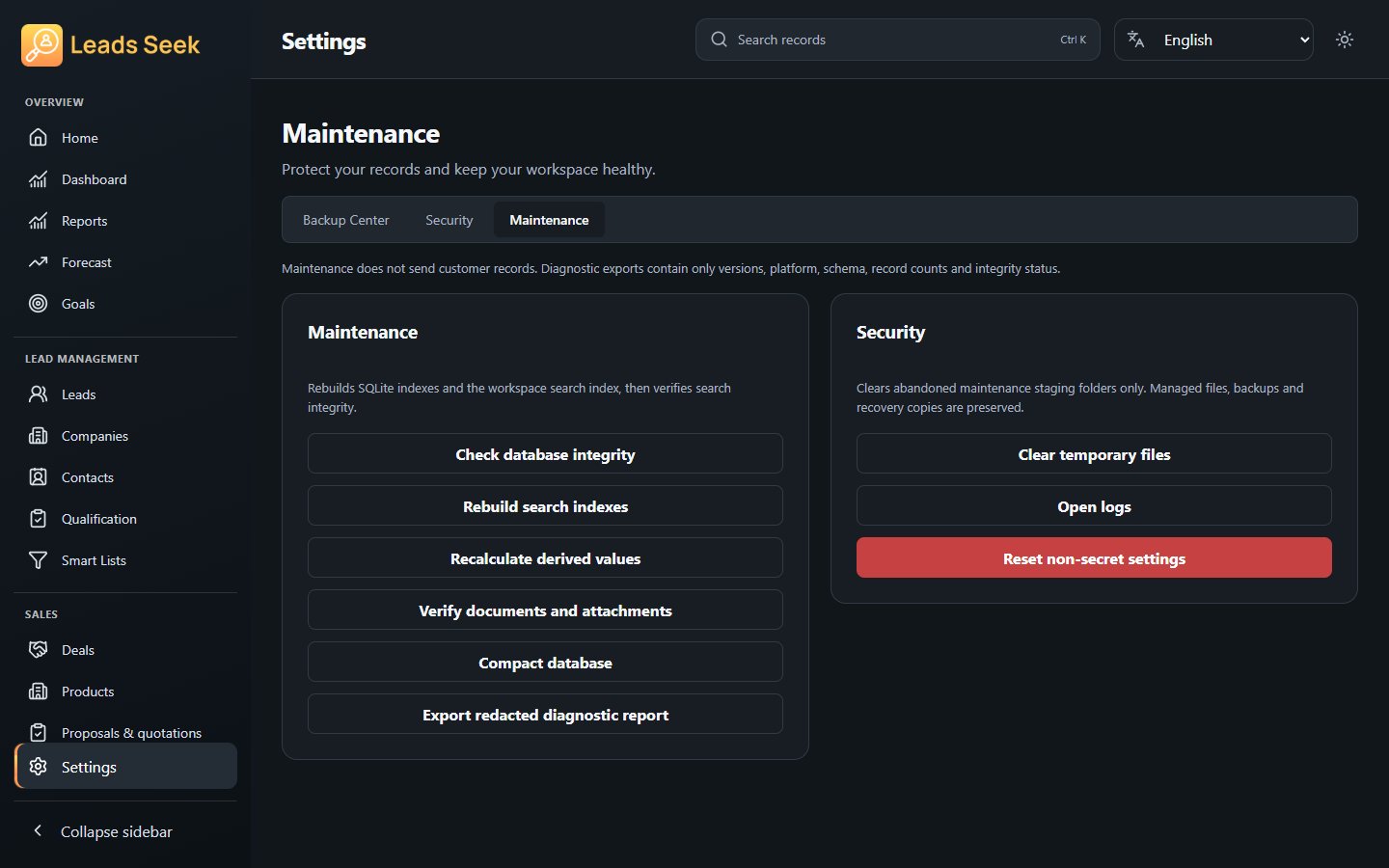
Check the result
Do not delete your workspace to fix an error. Keep a verified backup and seek support before resetting, replacing or merging data.