

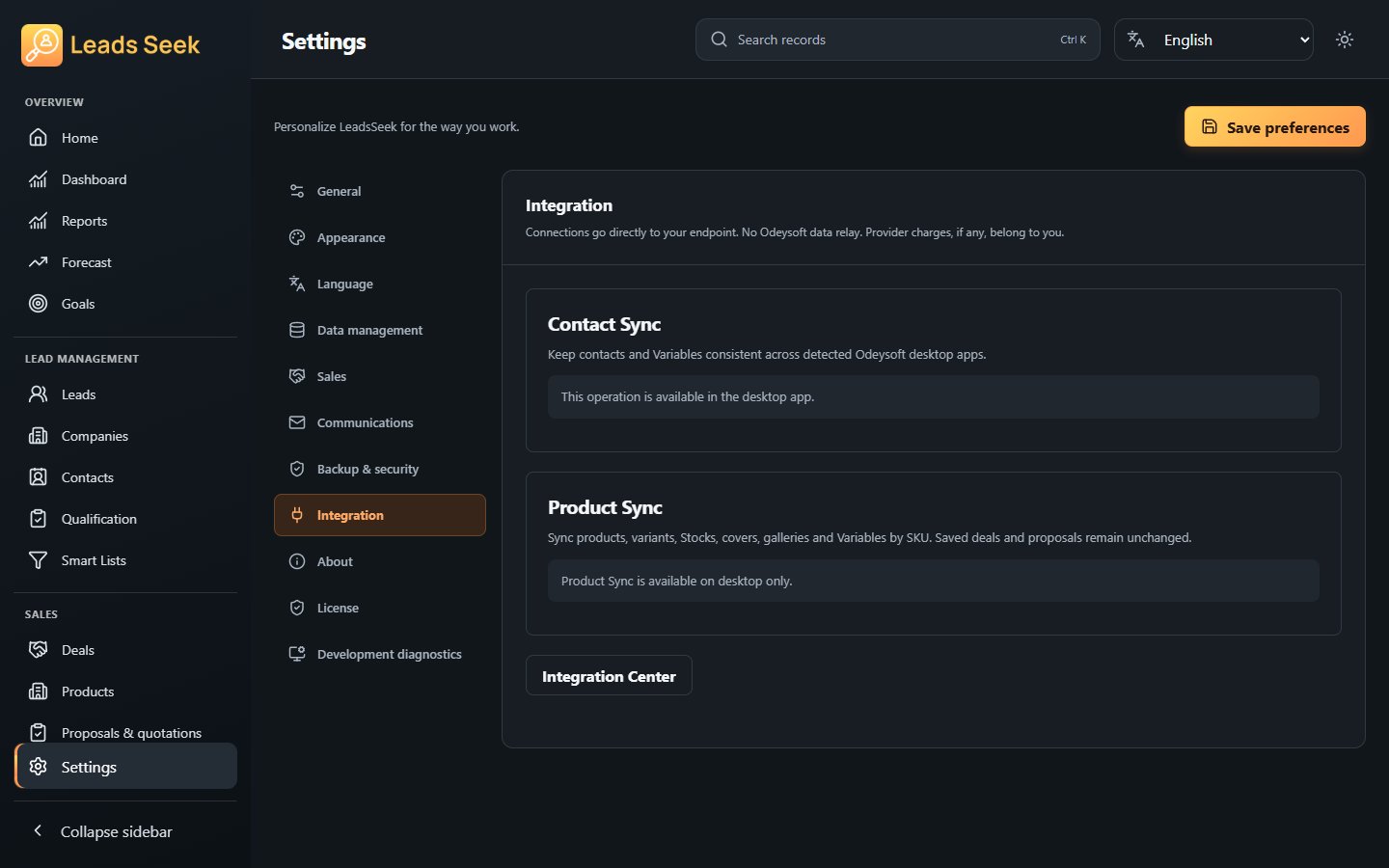
Contact and Product Sync
Share supported records with detected, compatible Odeysoft apps.
Before you start
Back up the participating workspaces and confirm compatible app versions.
Steps
- Open Settings → Integrations and review Contact Sync or Product Sync.
- Check the detected peer app and workspace before selecting it. Review the available synchronization mode.
- Enable only the peers you intend to share with. Use Sync now only when you intend to transfer changes.
- Review the operation result and representative records in each participating app.
Check the result
Compatibility depends on the installed peer version and shared contract. Contact and product sync do not mean all CRM relationships or proposals are shared. If settings fail to load, retry after the current operation ends.