

API, webhooks and AI
Connect explicitly, limit access and review generated output.
Before you start
Use trusted endpoints and understand what information you will share.
Steps
- Open Settings → Integrations → Integration Center to configure supported connections or webhooks.
- For the API, enable it deliberately and create a token with only the required permissions. The API is for trusted applications/scripts, not arbitrary websites.
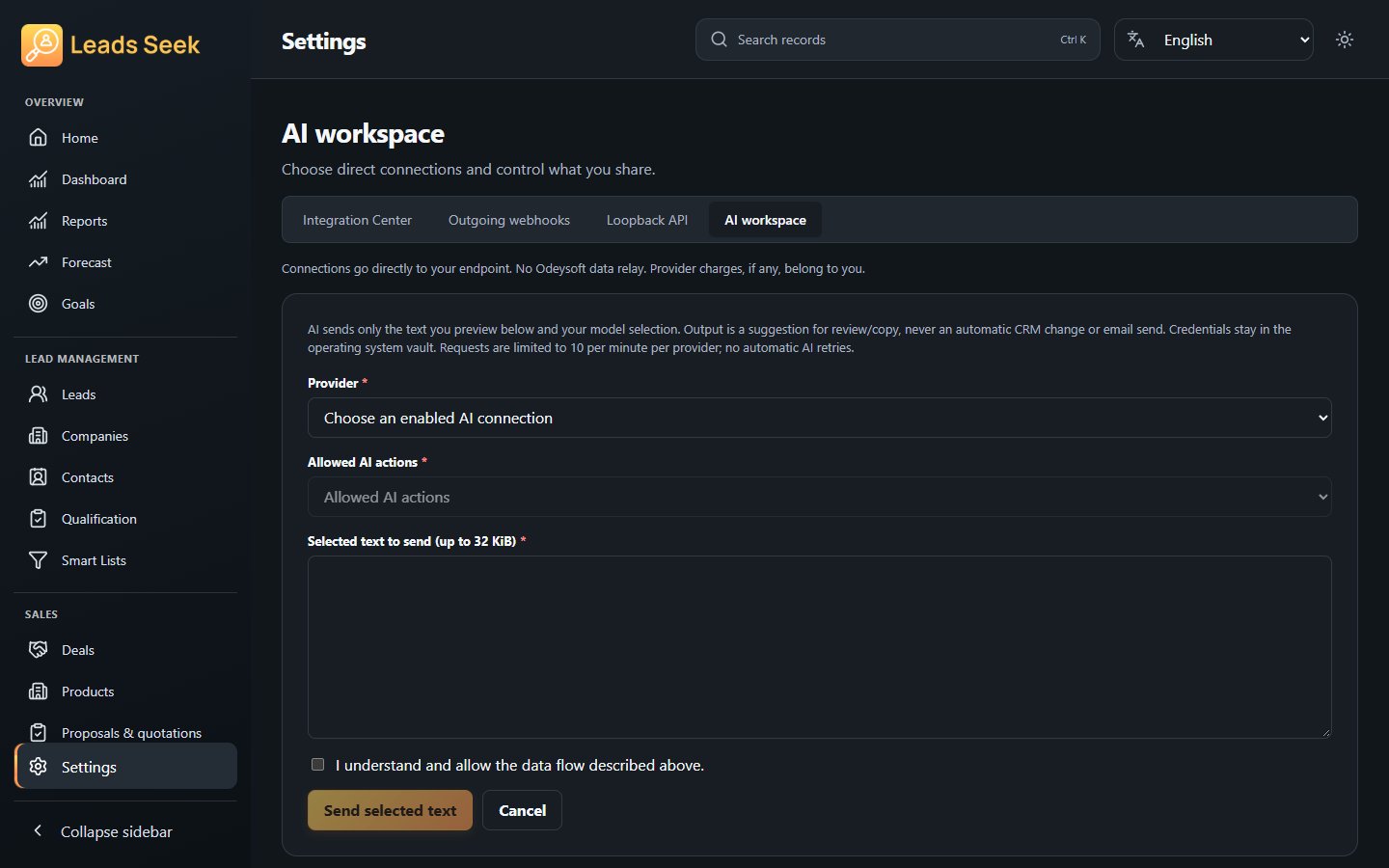
- For AI, configure a supported public HTTPS endpoint and its credentials. Review the selected text and consent before requesting output.
- Review webhook delivery history or AI output. Copy approved output yourself; do not assume it has changed CRM records.
Check the result
Keep tokens private. Webhooks may be delivered more than once and workers need the app running/unlocked. Provider charges and availability remain your responsibility.