

Preferences and software updates
Adjust presentation and check for an available release.
Before you start
Have an internet connection when checking for updates.
Steps
- Open Settings for general behavior, appearance and language preferences.
- Choose Save changes where shown. Use the top navigation for quick theme or language changes.
- Open Settings → About and use the software update check.
- Review the offered version and follow the displayed download/install instructions. Back up important data before installing an update.
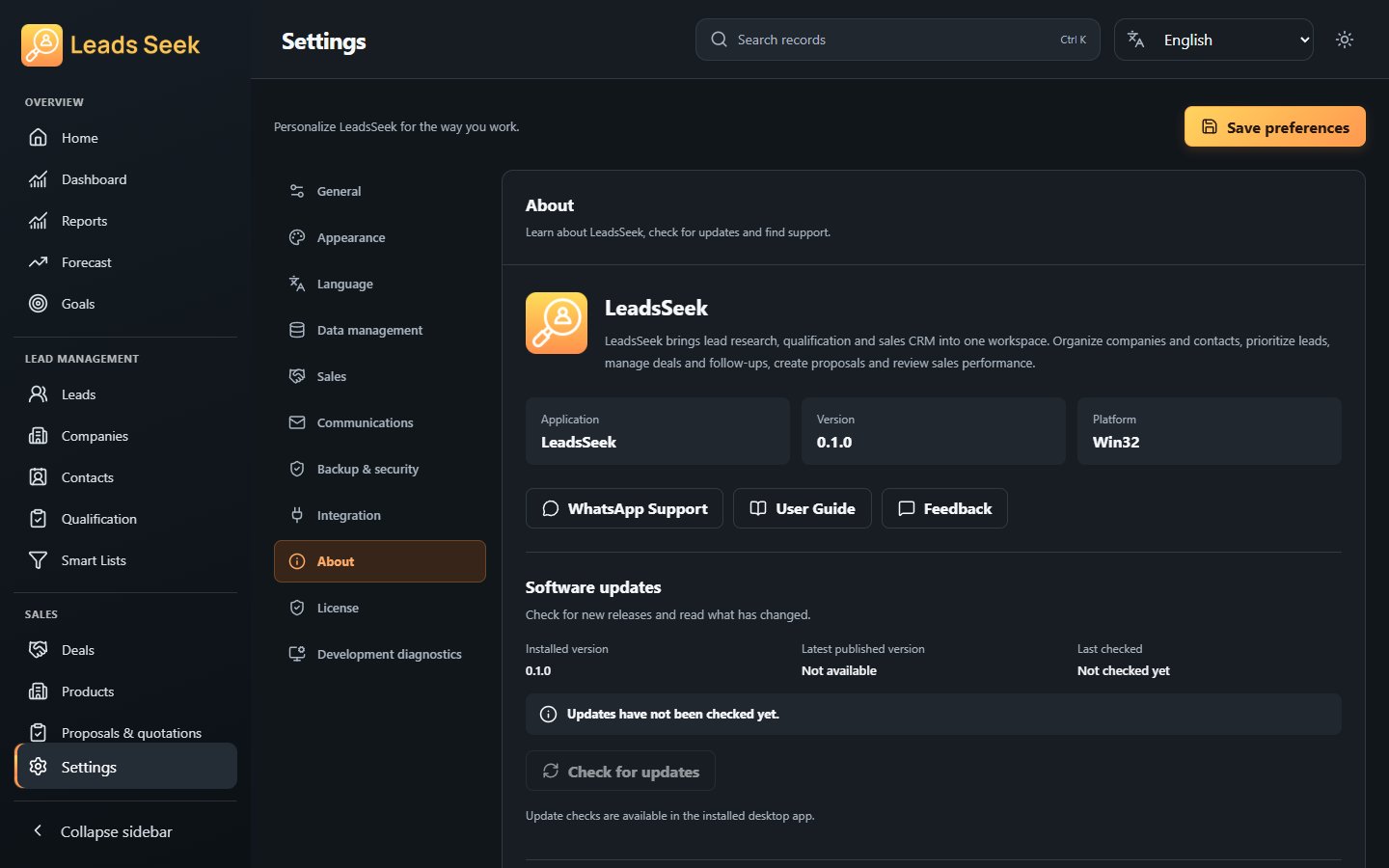
Check the result
A successful update check is not proof that a newer installer exists for every platform. About also contains support links and the license agreement.