

Reports, forecasts and goals
Review sales progress with the right dates, filters and currency.
Before you start
Keep deal stages, values and activity outcomes up to date.
Steps
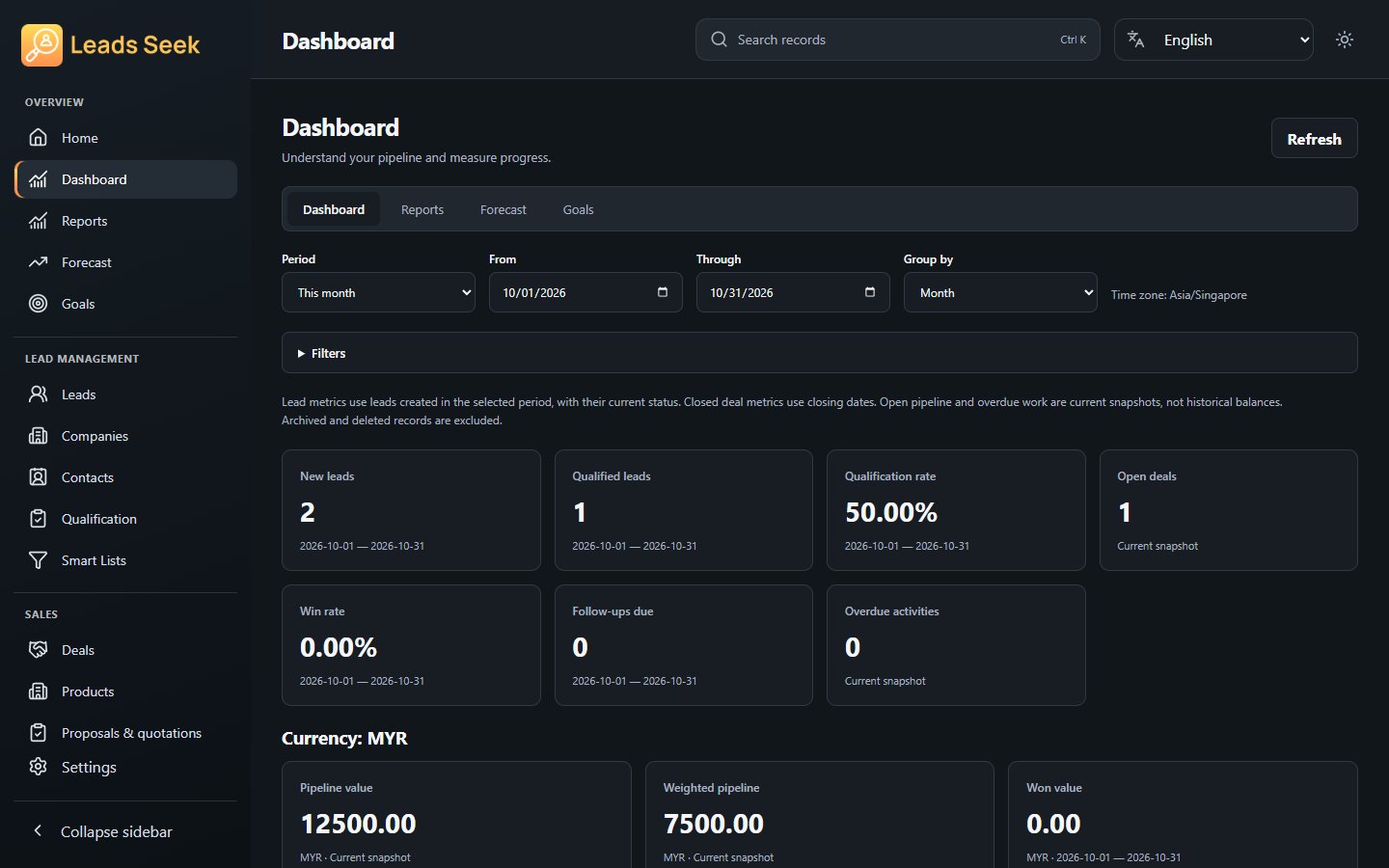
- Open Dashboard for the overview, then Reports for the relevant sales or activity view.
- Review date ranges and filters before interpreting the result.
- Open Forecast to inspect projected opportunities and Goals to review or set supported targets.
- Export an available report when needed and retain the context of its filters.
Check the result
A forecast is an estimate, not guaranteed revenue. Do not combine different currencies as though they have identical value.