

Automation and saved views
Use rules and focused lists to organize repeatable work.
Before you start
Decide which records and actions the rule should affect.
Steps
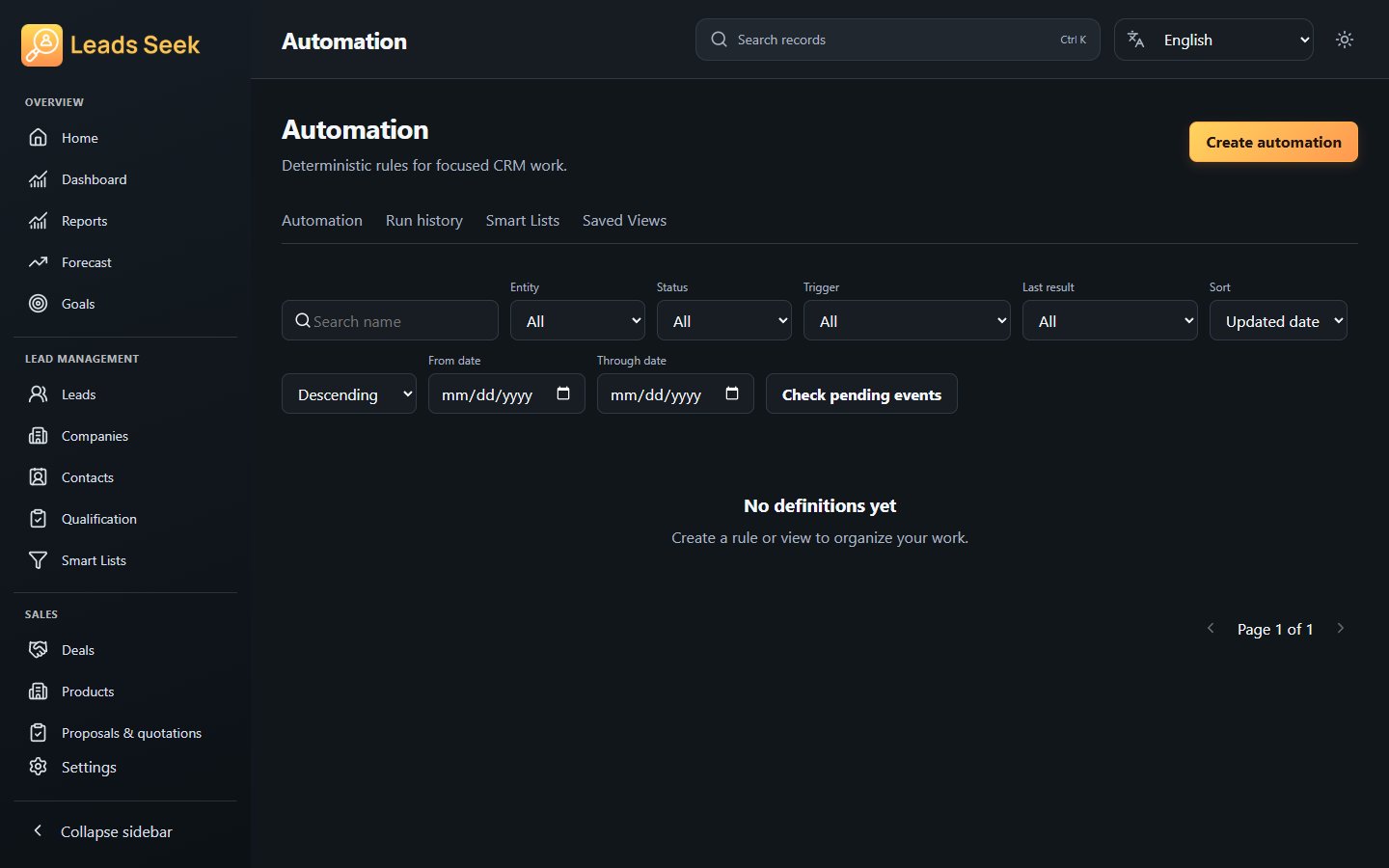
- Open Automation and configure the trigger, conditions and supported actions.
- Review the scope before enabling a rule. Use Automation History to inspect its recorded runs.
- Use Smart Lists and available saved views to keep relevant records together.
- Review results and adjust conditions when your process changes.
Check the result
Automation is not permission to send unsolicited messages. Check history instead of assuming every enabled rule has run successfully.