

Backup and recovery
Prepare a recoverable copy before making major changes.
Before you start
Choose a protected location with enough space for the backup.
Steps
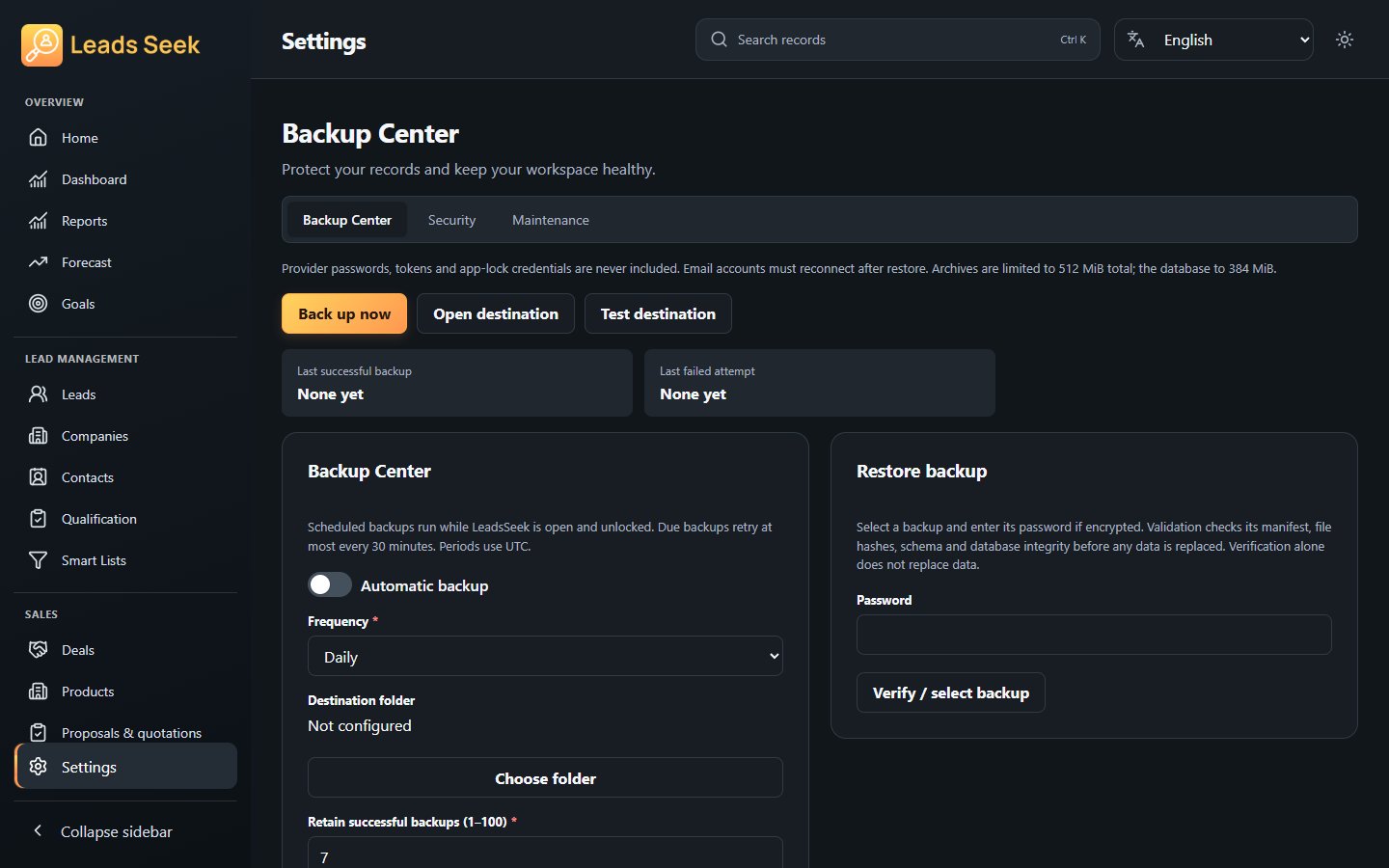
- Open Settings → Protection → Backup and create a backup using the available options.
- Keep any backup password safe and check that the archive was created successfully.
- When restoring, review the selected archive and the restore preview before confirming replacement.
- After restore, inspect representative records and reconnect accounts or integrations that require credentials.
Check the result
Do not discard the recovery copy until you have checked the restored workspace. Never publish a backup or its password.