

Research a business
Record sources and inspect a chosen business website.
Before you start
Use a public business URL and research you are permitted to collect.
Steps
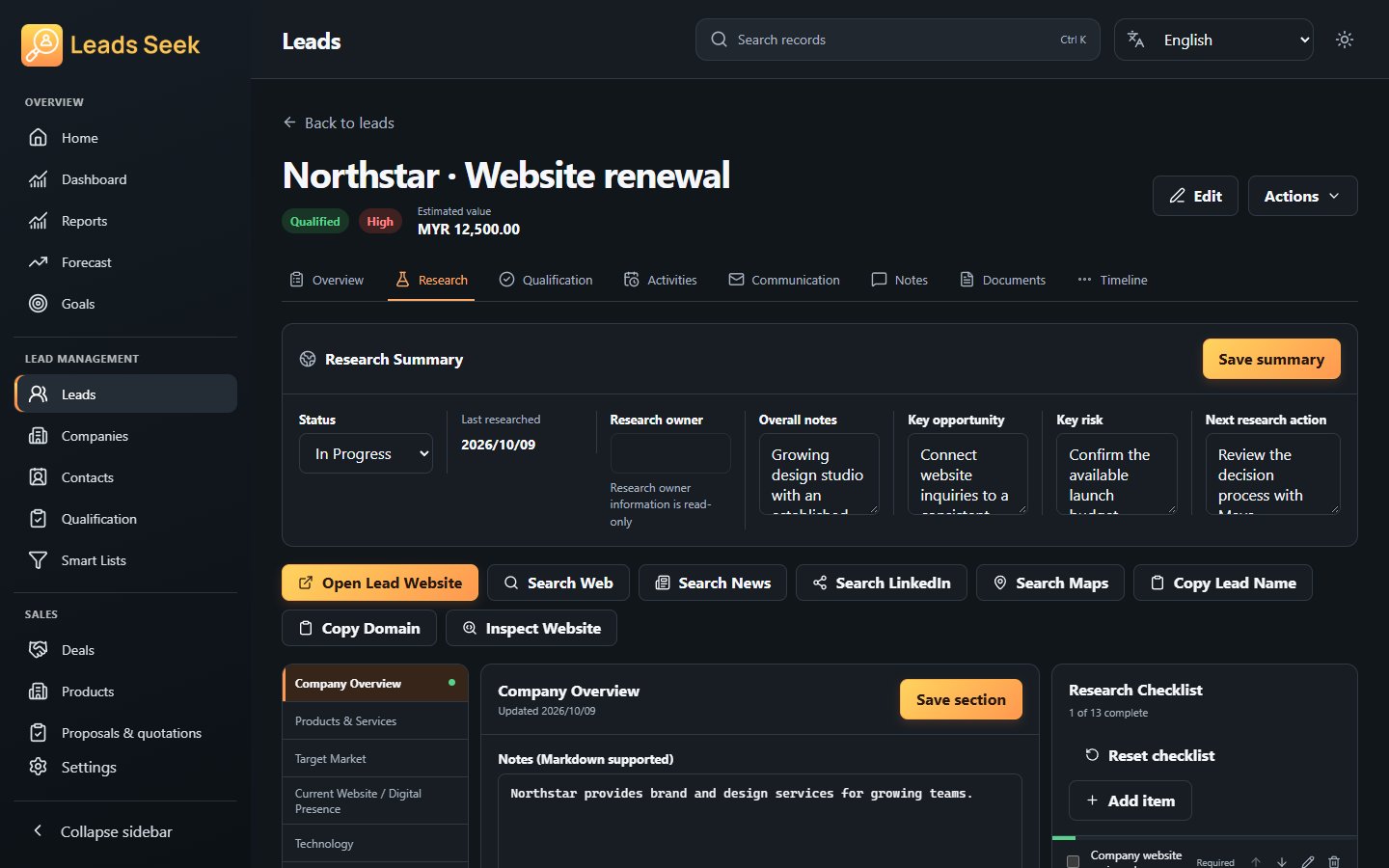
- Open a lead and choose Research. Add the business context, notes and source evidence you have checked.
- Open website inspection, enter the chosen website URL and run the inspection.
- Review the returned title, description, response and website signals. Use Save result to retain the inspection.
- Complete relevant checklist items and revisit evidence before using it for qualification.
Check the result
Inspection results are signals, not proof of a business claim. This is not a bulk scraper; respect privacy and website access rules.