

Companies and contacts
Keep the people and businesses behind each opportunity connected.
Before you start
Check for an existing record before adding another.
Steps
- Open Companies, choose Add company and enter the required company details. Save explicitly.
- Open Contacts and choose Add contact. Enter the required details and the available contact methods.
- Select the related company when appropriate. Choose a Country suggestion with the mouse or keyboard; selecting an option is not a save action.
- Choose Save. Use the record Actions menu to view or edit it, then review the company association.
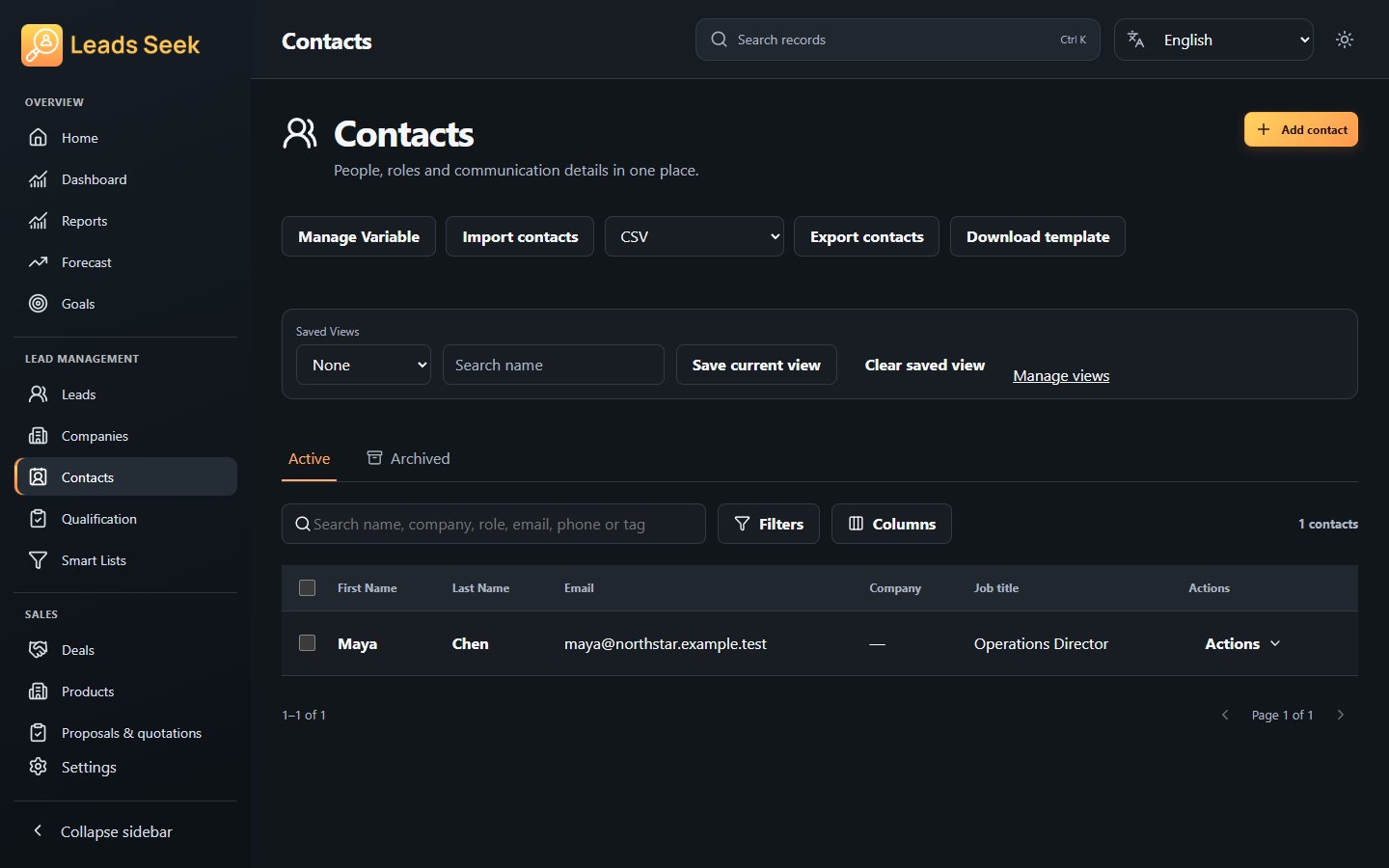
Check the result
Check the full company/contact name before linking it to a lead. Shared-prefix names can refer to different records; imported or synced records still need review.