

Qualify with evidence
Answer a template, review the score and record a clear outcome.
Before you start
Choose a template that matches your sales process.
Steps
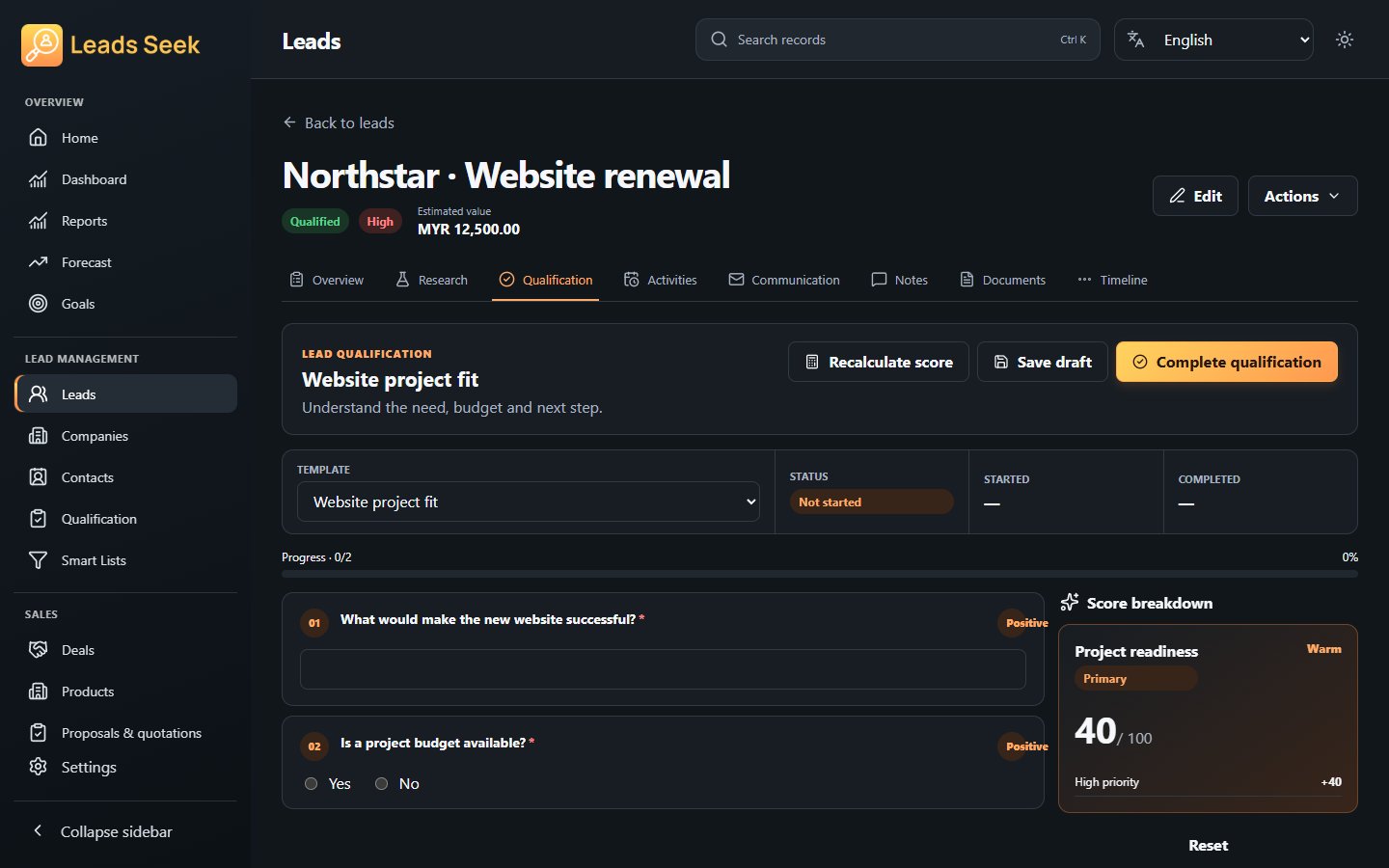
- Open Qualification on a lead and start a session with the appropriate template.
- Answer each question and record supporting evidence. Yes and No are explicit answers.
- Use Save draft if you need to return later. Review required answers and any score before completion.
- Choose the outcome and decide whether to update the lead. Complete the session only when the answers are ready.
Check the result
Completed sessions are read-only. A score supports a decision; it does not guarantee a sale or replace your review.