

Products and proposals
Build a catalogue and prepare a proposal from reviewed sales details.
Before you start
Prepare product details, currency and images you are allowed to use.
Steps
- Open Products and add a product. Set its type, SKU and name, then review prices and currency.
- Add cover/gallery images and variants when relevant. Review type-specific validity and stock fields before saving.
- Select products for the appropriate deal or proposal and check quantities, prices and totals.
- Review the proposal details and its snapshot before exporting the available document format.
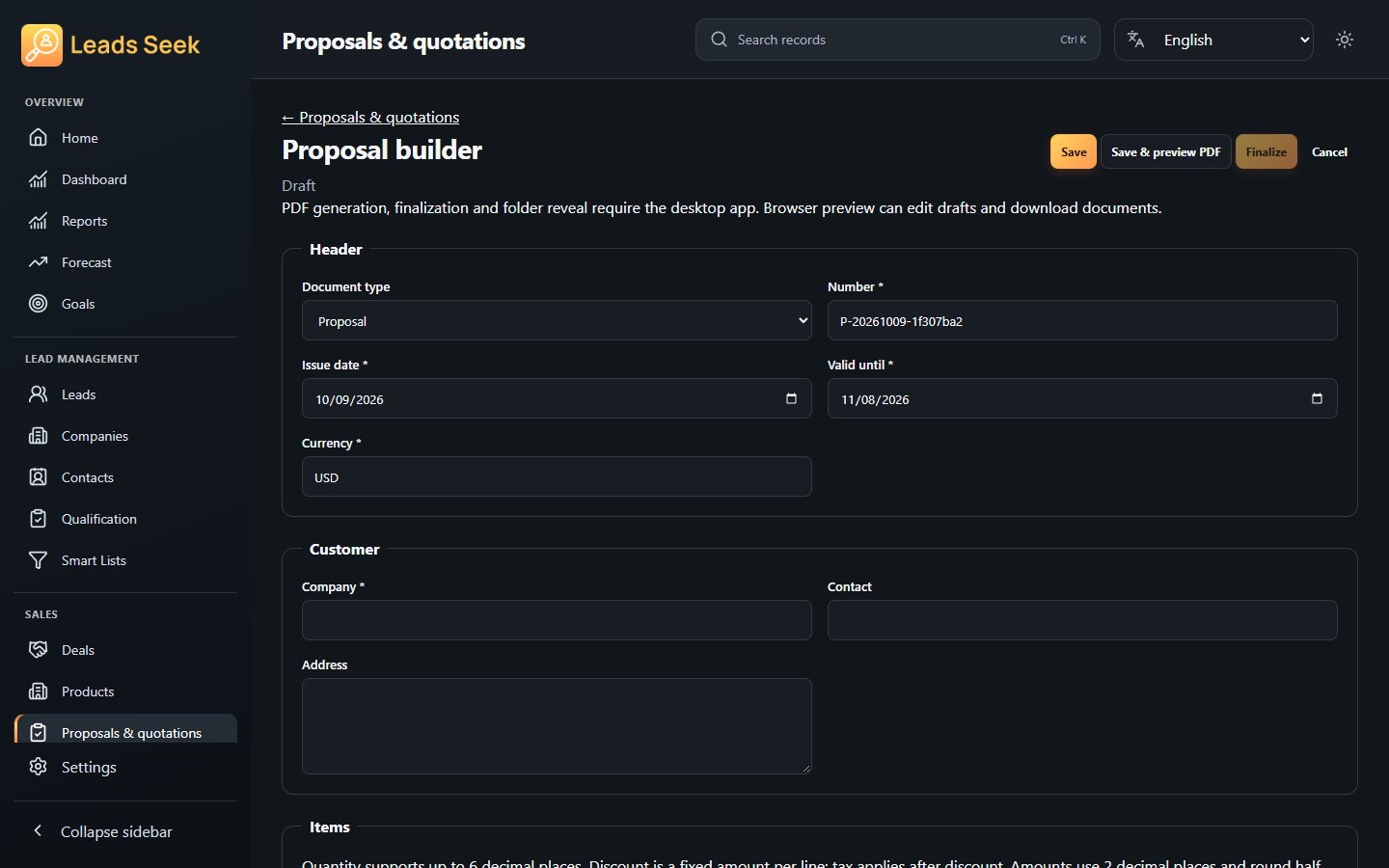
Check the result
Existing proposal snapshots preserve their recorded details; later catalogue edits do not rewrite them. Do not assume a proposal automatically deducts stock.