

Install and activate
Download LeadsSeek and activate your workspace with a valid license.
Before you start
Have your license key and an internet connection ready.
Steps
- Open Download on this website and choose an available installer for your platform.
- If you need a license, choose a plan on Pricing and complete checkout. After a successful purchase, check the receipt and delivery email for your key; contact support if delivery is unavailable.
- Run the installer and open LeadsSeek. Review the license agreement before accepting it.
- Enter your LeadsSeek license key in the activation screen and verify it online.
- Open Settings → License to review the plan, expiry and device information.
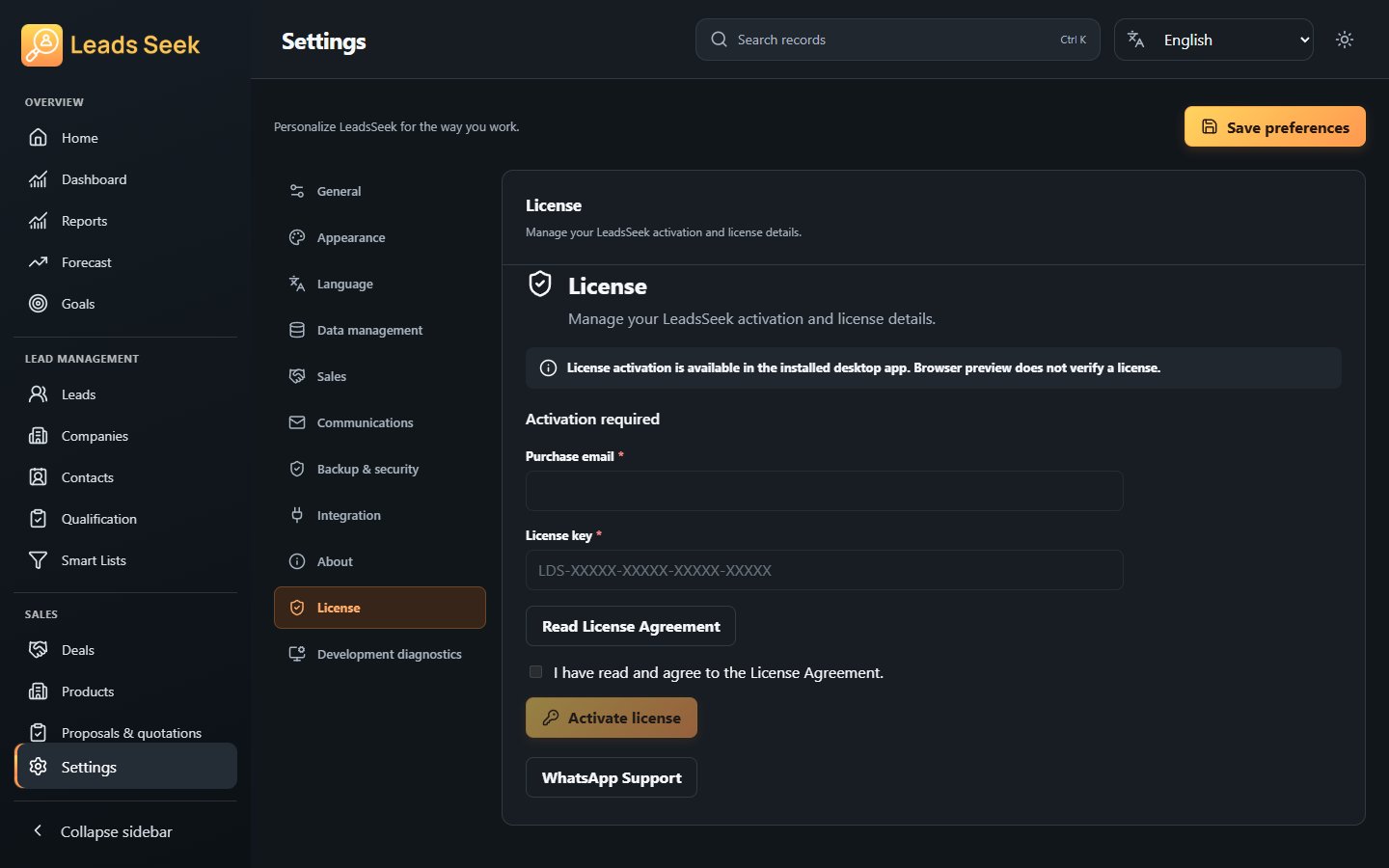
Check the result
Do not share your license key. If activation fails, check the connection and key, then contact support. An installer being listed does not guarantee availability for every platform.