

Deals and pipelines
Move qualified opportunities through your sales stages.
Before you start
Review pipeline stages in Settings → Sales before using them.
Steps
- Open Deals to review the board or list. Create a deal, or use the lead conversion action when appropriate.
- Check the company, primary contact, source lead, value and currency before saving.
- Move the deal to the appropriate stage and record the next follow-up activity.
- Review the deal details and linked activities before marking an opportunity won or lost.
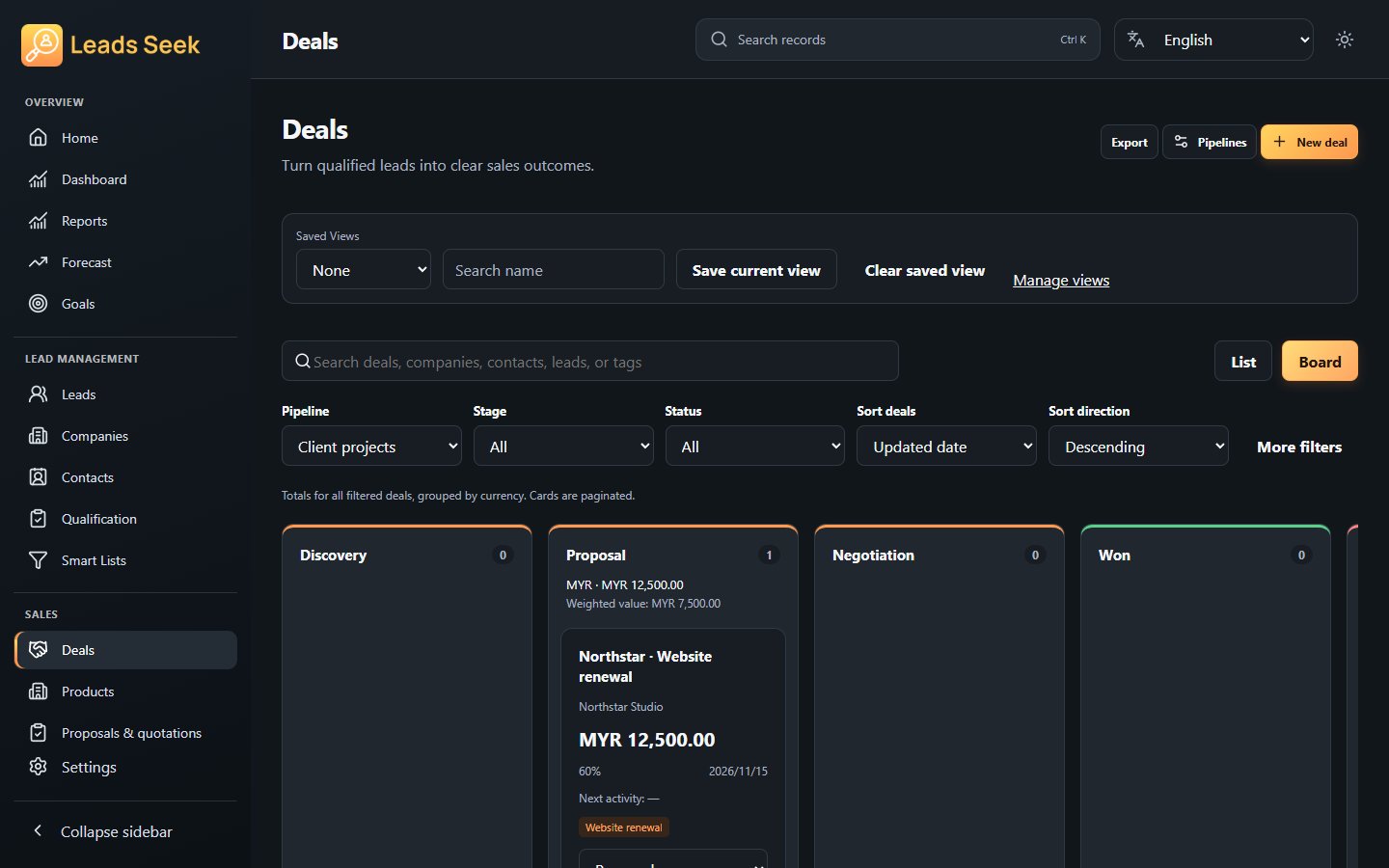
Check the result
Verify the destination stage and record relationships. A stage change is not a substitute for updating follow-up work.