

Activities and calendar
Plan the next action and keep follow-ups visible.
Before you start
Identify the lead, contact or deal the activity belongs to.
Steps
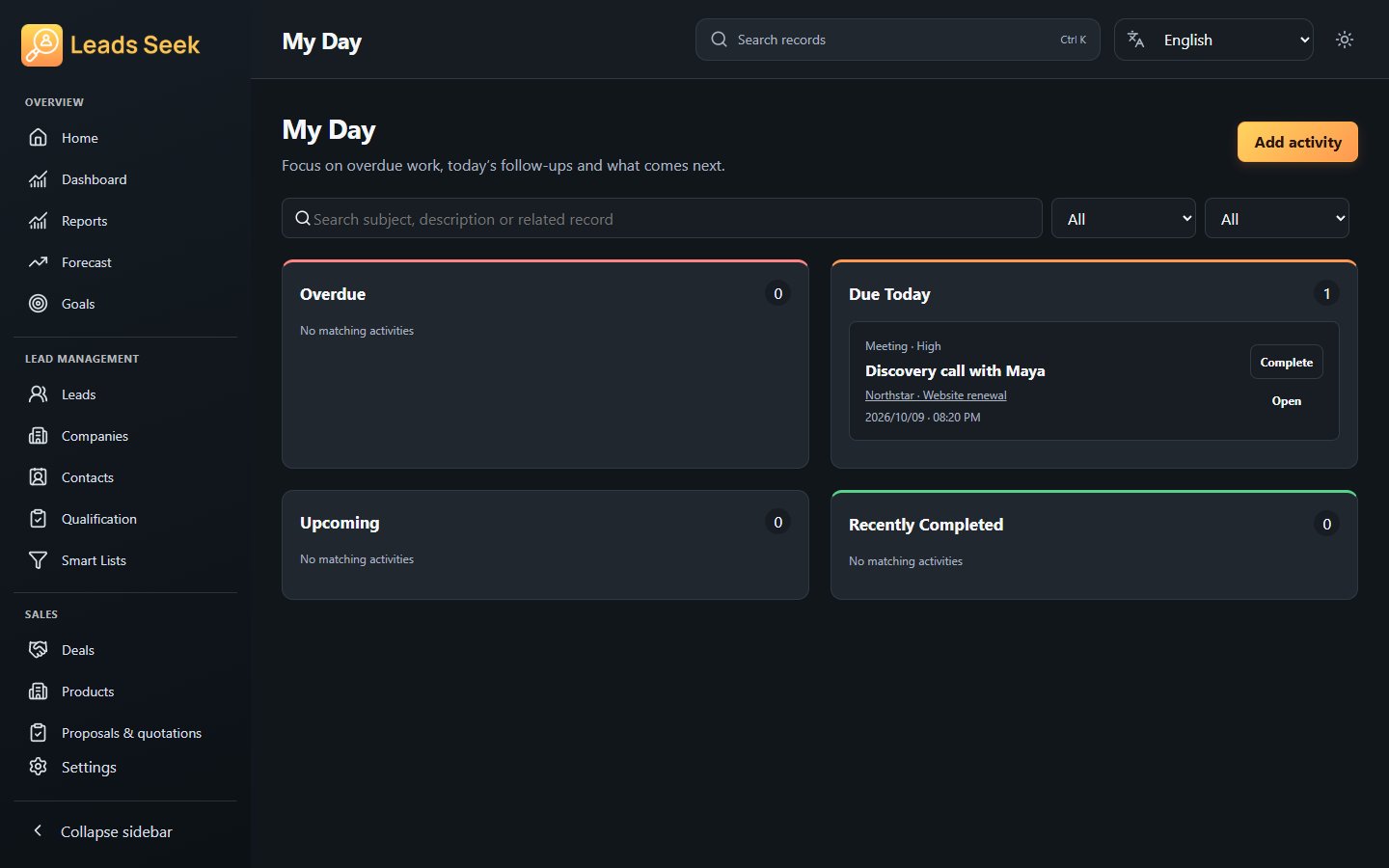
- Open Activities or My Day and create an activity for the next follow-up.
- Enter the subject, type, due date/time and related record, then save.
- Use Calendar and My Day to review upcoming and overdue work.
- Open the activity to update the result and mark it complete when the work is done.
Check the result
Check your date/time preferences and activity association. Completing an activity does not automatically close its deal.