

Communications and email
Record conversations and send a reviewed message through your own account.
Before you start
Have authorized SMTP/IMAP account settings ready if you want connected email.
Steps
- Open Settings → Communications → Email accounts. Configure the account and test the connection.
- Open Communications to log a conversation or compose a message linked to the right records.
- Review recipients, subject, body and any template content. Save a draft while preparing.
- Send only when ready. For an uncertain send result, inspect the account and message status before attempting another send.
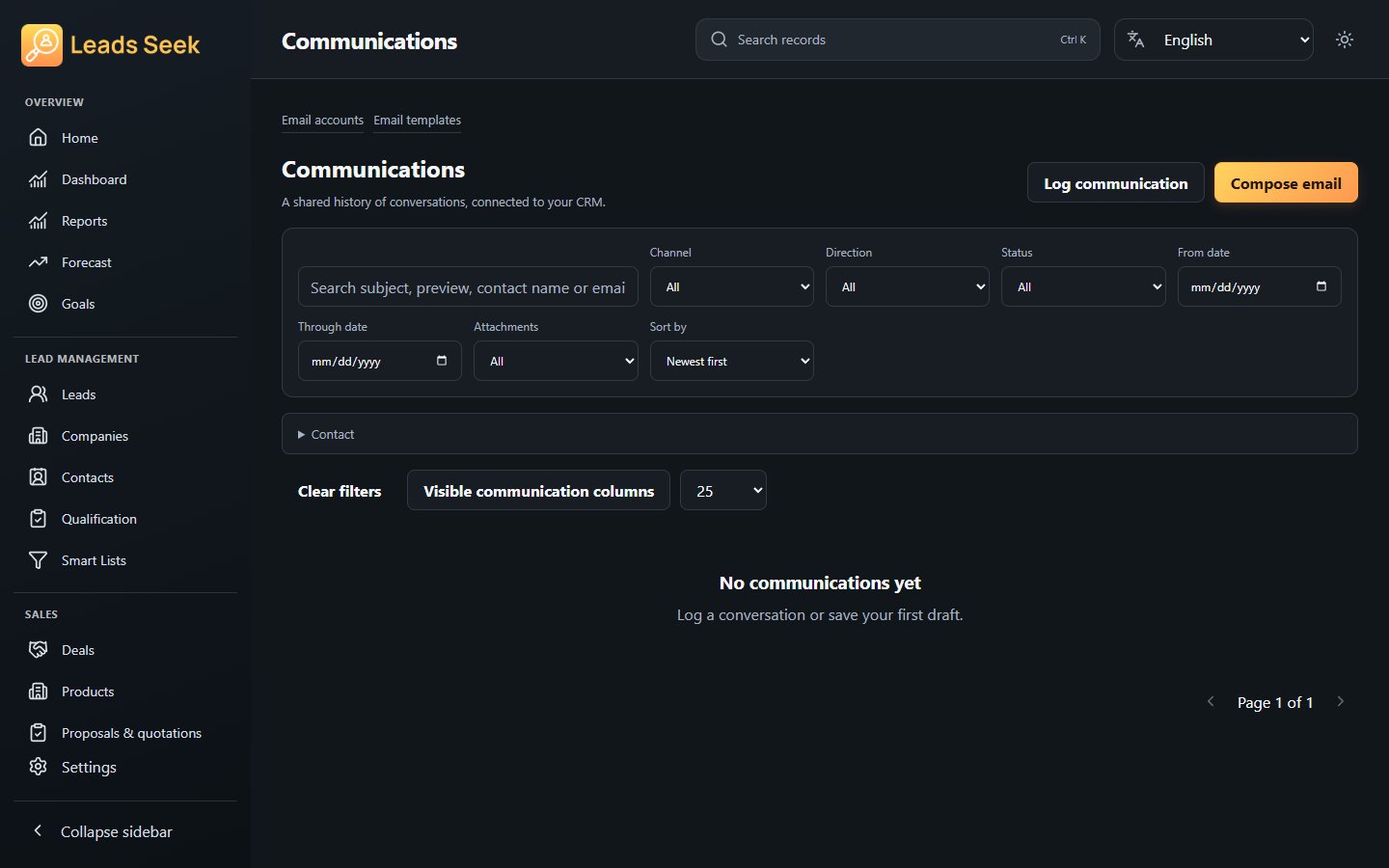
Check the result
Email-provider access and delivery depend on your account. Do not retry an uncertain send blindly, and do not use this workflow for unsolicited bulk messages.