

Capture your first lead
Create a lead, link the right people and choose the next action.
Before you start
Add a company and contact if you already know who is involved.
Steps
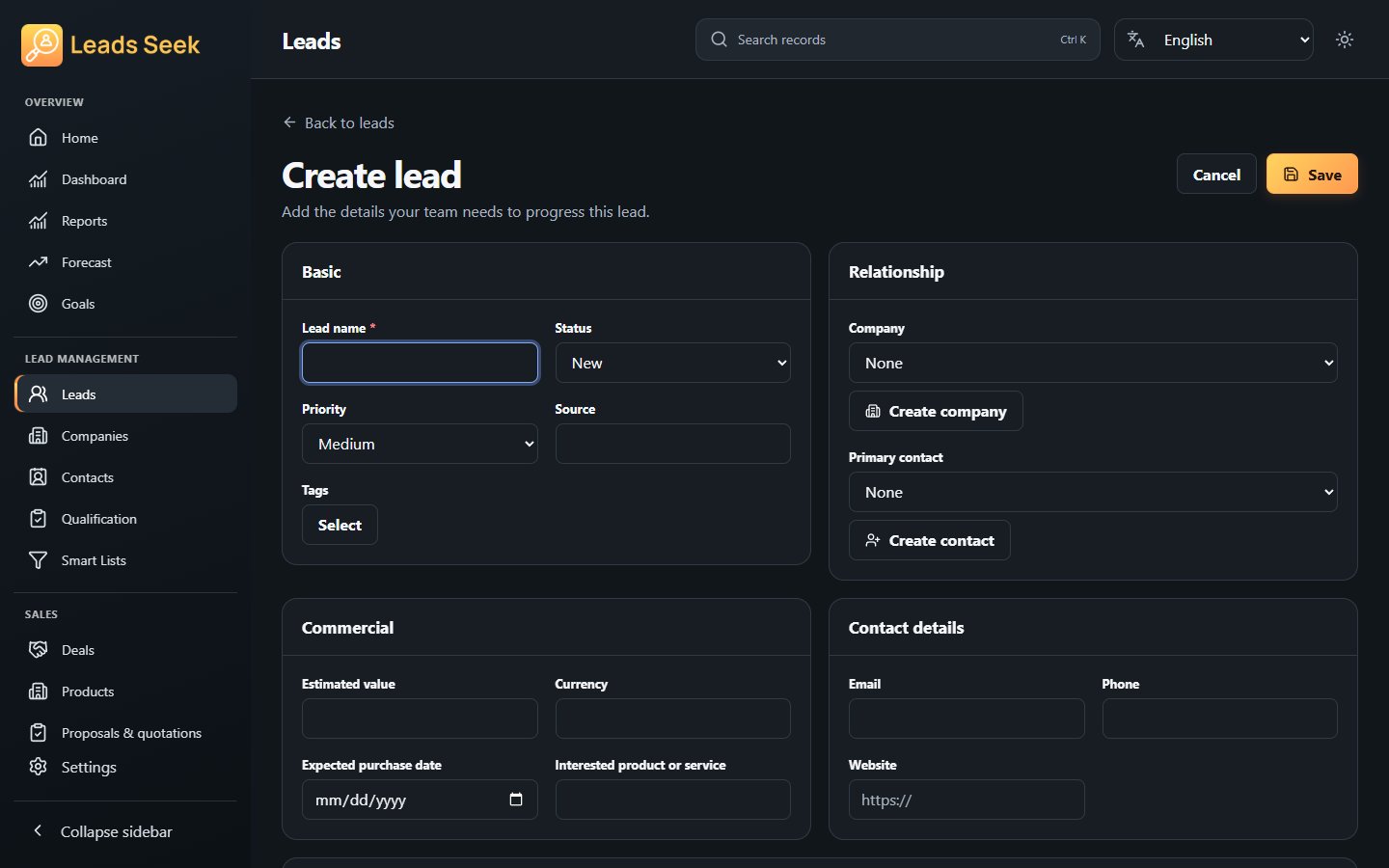
- Open Leads (Lead Inbox) and choose Create lead.
- Enter the lead name, then choose a status, priority and source.
- Select the Company and Primary Contact. Check their full names before saving.
- Add your requirements, expected date and value. Choose a currency when entering a value.
- Save, then open the lead to continue with Research or Qualification.
Check the result
Save explicitly. Selecting a dropdown option does not save the form. Changing the company can require choosing a compatible primary contact again.