

Find your way around
Use the navigation, search and preferences to make the workspace yours.
Before you start
Activate LeadsSeek before opening protected features.
Steps
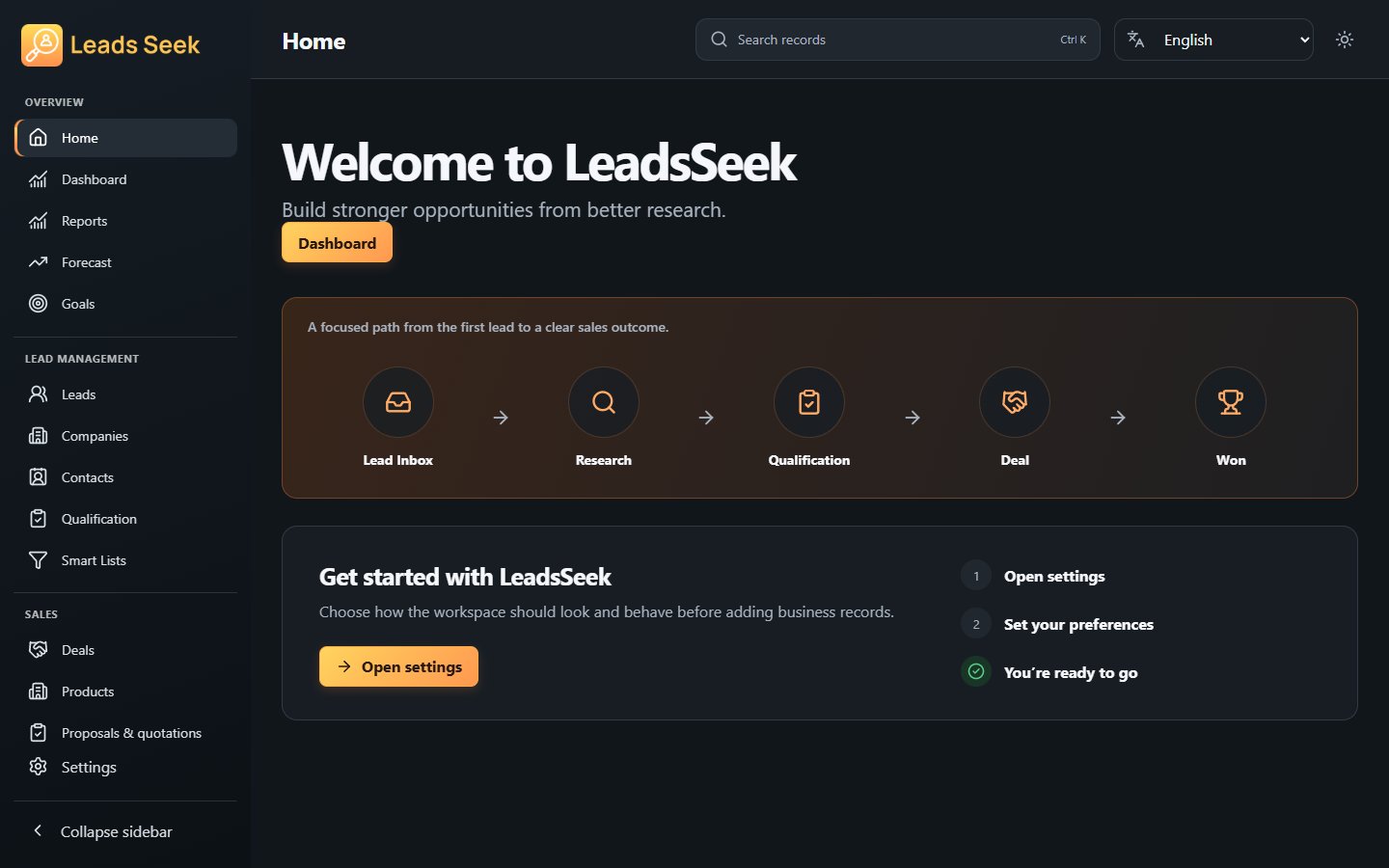
- Start at Home for the workspace overview. Overview also contains Dashboard, Reports, Forecast and Goals.
- Use Leads for Lead Inbox, Companies, Contacts, Qualification and Smart Lists; use Sales for Deals, Products and Proposals.
- Use Activities for My Day, Activities, Calendar and Communications. Tools contains Data Tools and Automation.
- Use the top navigation to switch language or appearance. Open Settings for other preferences and choose Save changes where shown.
Check the result
Search for a known record and open it. Language and theme changes affect presentation, not the record relationships.