

License and device access
Review your plan and resolve activation problems safely.
Before you start
Keep your purchase email and license key available privately.
Steps
- Open Settings → License to review the plan, expiry and device details.
- Check your internet connection if online verification fails.
- Before moving to another device, review the current license/device terms and supported deactivation controls.
- Contact support with the error, app version and purchase reference when you cannot resolve a device or license issue.
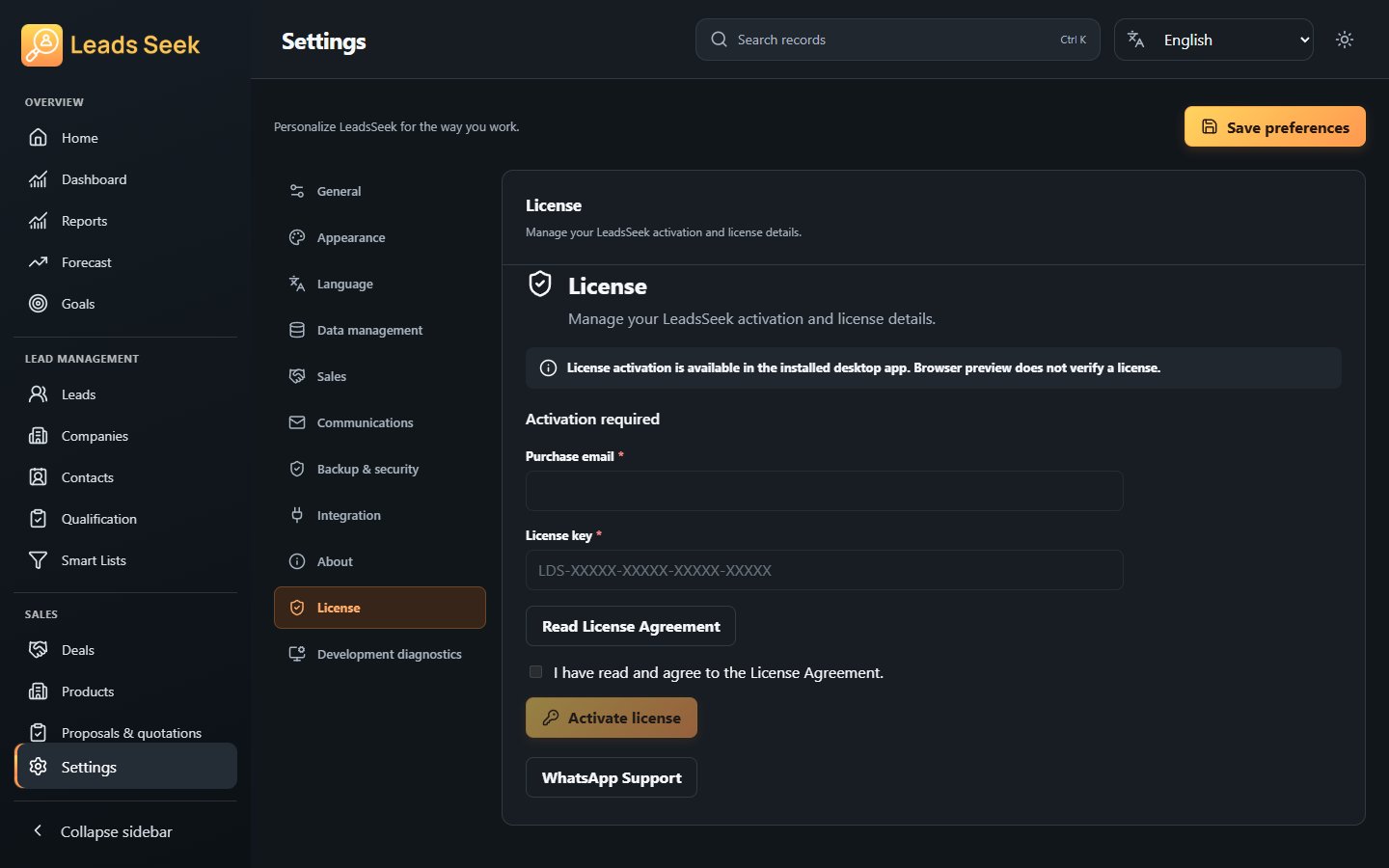
Check the result
Never post your full key publicly. A purchase receipt does not bypass activation or device limits.